After a bit of evolution and lots of work from the team, we’re thrilled to introduce a new stable version of Chrome for Windows, Mac and Linux. Since last December, we’ve been chipping away at bugs and building in new features to get the Mac and Linux versions caught up with the Windows version, and now we can finally announce that the Mac and Linux versions are ready for prime time.
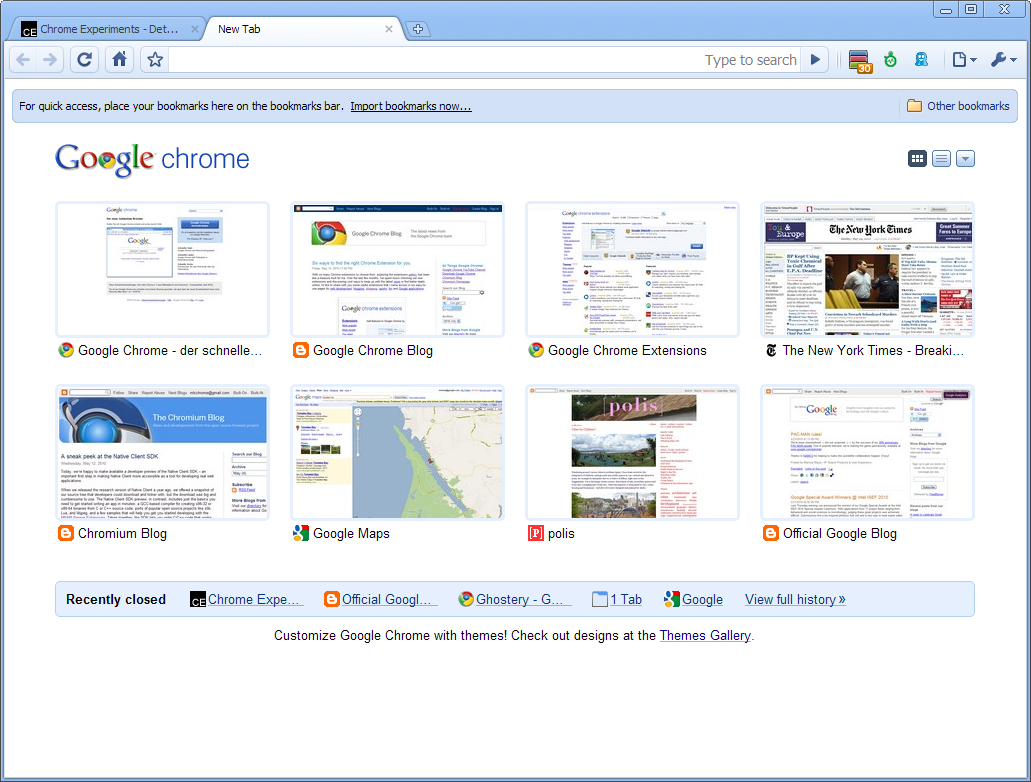
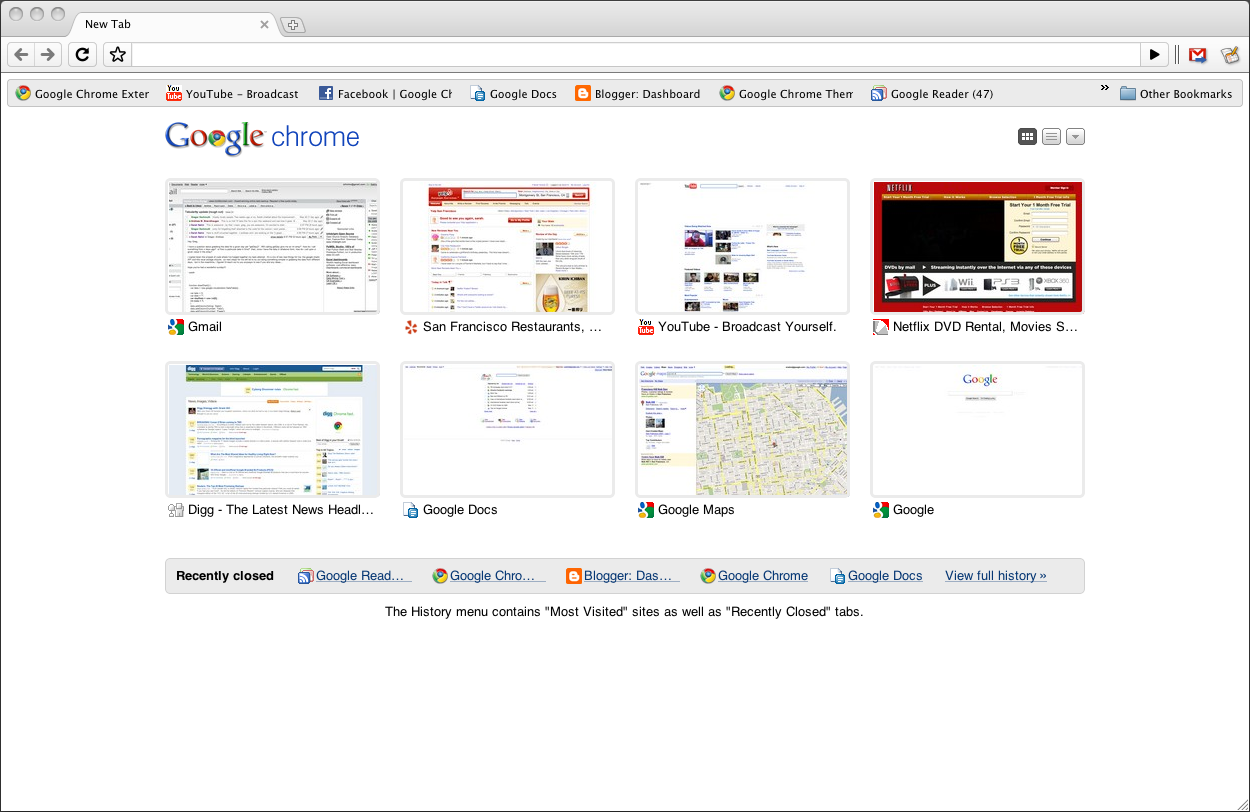
 Google Chrome for Linux
The performance bar for all three versions keeps getting higher: today’s new stable release for Windows, Mac and Linux is our fastest yet, incorporating one of our most significant speed improvements to date. We’ve improved by 213 percent and 305 percent in Javascript performance by the V8 and SunSpider benchmarks since our very first beta, back in Chrome’s Cretaceous period (September 2008). To mark these speed improvements, we’ve also released a series of three unconventional speed tests for the browser:
(If you’re interested in how we pitted Chrome against the forces of a potato gun, lightning, and the speed of sound, take a look behind-the-scenes in this video, or read the full technical details in the video’s description drop-down in YouTube).
You may also notice that today’s new stable release comes with a few new features, including the ability to synchronize browser preferences across computers, new HTML5 capabilities and a revamped bookmark manager. For more details, read on in the Google Chrome Blog.
If you haven’t tried Google Chrome since the stone age, check out this brand new stable release. If you’re already using Chrome, you’ll be automatically updated to this new version soon. To try it right away, download the latest version at google.com/chrome.

(First dev, then beta, now stable!)




 For those Firefox advocates including me myself, I relish the thought of knowing another simple trick about the ever powerful Firefox itself that will enhance my web experience. A little unknown feature available in your latest version of Firefox 3 is that is allows you to set more than on homepage. What i mean is that you can now open several instances of Firefox homepage when you first execute and run the popular web browser.
 Friends Many of people thought to make a CD Protected(Non-writable nor copied)
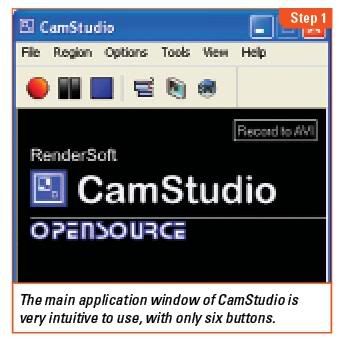
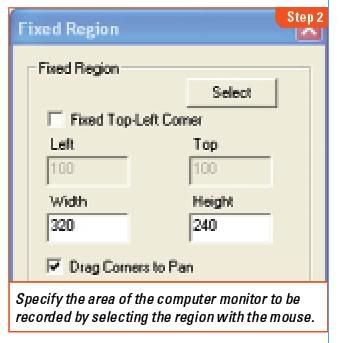
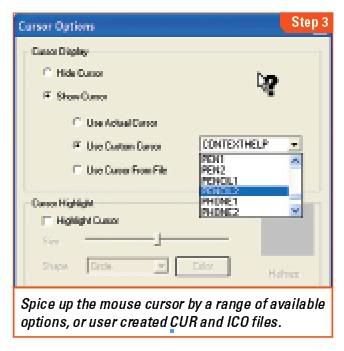
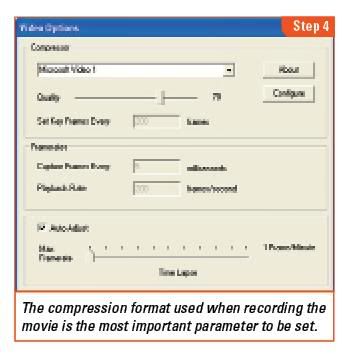
 Do you feel handicapped with the limitations of screen shots? Switch to screencasts and create a movie of your computer screen.