Best 2 Know

The Ultimate Blogging Resource

  • Advertising
  • WebHosting
  • Contact Us
  • Blogger
    • Blogger Templates
    • Blogger Tutorials
  • Browser
    • Firefox
    • Google Chrome
  • Google
  • Internet
    • Facebook
    • Twitter
  • Thesis
  • Windows
  • WordPress
    • WordPress Themes
    • WordPress Plugins
  • More
    • Linux
    • Review
    • Solutions
    • Announcements

Archive: May 2010

Archives for May 2010

How to have a professional email address

Looking professional is very important on Internet to make up your personalty. we mostly have heard sayings the first impression is the last impression and also personality reflect what kind of a person he is and many more so having a good personality is very very important . Today i m going to tell you all to be professional . you would love to have . If you have a domain name and you want to some cool E-mail address like admin@yourdomain.com or me@yourdomain.com and etc.

For this you have to Use the damn hostings mail box and has to use their outdated technology but don’t worry. you dont have to do it all with this stuff you can use Gmail’s mailbox and Enjoy good looks and fast streaming and etc. so want to know how to do it. Thanks for all it to Google because Google has brought up an app.

Thanks For this to Google.

To get this cool mail address just go to Google Apps.

You don’t have to be tensed or worried because once you visit that page Google itself will lead you to right path if then also you don’t understand then you may contact me.

Screen Shot :

May 31, 2010 Ritesh Sanap Google Cool things, Gtalk

Trily – Blogger Template

In my previous post I have told all of you that i m converting a wordpress template to blogger . and yes today its ready to be published in front of you this little but sweet template is named as trily its a magazine style template with fixed pages its widgetize and has cool looks its really a template that all of us should use, it has two navigation bar.

 Clean Layout :

Comment Style :

Screen shot of template :

Live Preview : Click Here
Download : Click Here

May 30, 2010 Ritesh Sanap Blogger Templates

Automatic Read More Hack with fixed pages

After a long time the most awaited Blogger feature called static pages or stand alone pages has been launched in drafts . But it has some issues with automatic expandable summaries read more trick for blogspot. With this new code you can minimize your blogger posts so that only some of your description and image appears on the homepage and the rest of all is shown when you visit that post or static page.
you might have familiar with earlier read more hack.

Just Follow this simple steps :

  1. First log in to your blogger account.
  2. Then click on Design Link.
  3. Then Click on Edit HTML.
  4. Check Expand widget content.
  5. Then Search for below code :
    </head>
  6. Add the below code before </head> :
    <script type='text/javascript'>var thumbnail_mode = &quot;no-float&quot; ;
    summary_noimg = 430;
    summary_img = 300;
    img_thumb_height = 130;
    img_thumb_width = 160;
    </script>
    <script type='text/javascript'>
    //<![CDATA[
    function removeHtmlTagundefinedstrx,chop){
    ifundefinedstrx.indexOfundefined"<")!=-1)
    {
    var s = strx.splitundefined"<");
    forundefinedvar i=0;i<s.length;i++){
    ifundefineds[i].indexOfundefined">")!=-1){
    s[i] = s[i].substringundefineds[i].indexOfundefined">")+1,s[i].length);
    }
    }
    strx = s.joinundefined"");
    }
    chop = undefinedchop < strx.length-1) ? chop : strx.length-2;
    whileundefinedstrx.charAtundefinedchop-1)!=' ' && strx.indexOfundefined' ',chop)!=-1) chop++;
    strx = strx.substringundefined0,chop-1);
    return strx+'...';
    }
    function createSummaryAndThumbundefinedpID){
    var div = document.getElementByIdundefinedpID);
    var imgtag = "";
    var img = div.getElementsByTagNameundefined"img");
    var summ = summary_noimg;
    ifundefinedimg.length>=1) {
    imgtag = '<span style="float:left; padding:0px 10px 5px 0px;"></span>';
    summ = summary_img;
    }
    var summary = imgtag + '<div>' + removeHtmlTagundefineddiv.innerHTML,summ) + '</div>';
    div.innerHTML = summary;
    }
    //]]>
    </script>

    <script type='text/javascript'>var thumbnail_mode = &quot;no-float&quot; ; summary_noimg = 430; summary_img = 300; img_thumb_height = 130; img_thumb_width = 160; </script> <script type='text/javascript'> //<![CDATA[ function removeHtmlTagundefinedstrx,chop){ ifundefinedstrx.indexOfundefined"<")!=-1) { var s = strx.splitundefined"<"); forundefinedvar i=0;i<s.length;i++){ ifundefineds[i].indexOfundefined">")!=-1){ s[i] = s[i].substringundefineds[i].indexOfundefined">")+1,s[i].length); } } strx = s.joinundefined""); } chop = undefinedchop < strx.length-1) ? chop : strx.length-2; whileundefinedstrx.charAtundefinedchop-1)!=' ' && strx.indexOfundefined' ',chop)!=-1) chop++; strx = strx.substringundefined0,chop-1); return strx+'...'; } function createSummaryAndThumbundefinedpID){ var div = document.getElementByIdundefinedpID); var imgtag = ""; var img = div.getElementsByTagNameundefined"img"); var summ = summary_noimg; ifundefinedimg.length>=1) { imgtag = '<span style="float:left; padding:0px 10px 5px 0px;"></span>'; summ = summary_img; } var summary = imgtag + '<div>' + removeHtmlTagundefineddiv.innerHTML,summ) + '</div>'; div.innerHTML = summary; } //]]> </script>

  7. Then Find this <data:post.body/>
  8. Then Replace <data:post.body/> with the below code :
    <b:if cond='data:blog.pageType == &quot;static_page&quot;'><b:else/> <b:if cond='data:blog.pageType != &quot;item&quot;'>
    <div expr:id='&quot;summary&quot; + data:post.id'><data:post.body/></div>
    <script type='text/javascript'>createSummaryAndThumbundefined&quot;summary<data:post.id/>&quot;);
    </script> <span class='rmlink' style='float:right;padding-top:10px;'><a expr:href='data:post.url'><img src='http://i37.tinypic.com/351icqx.jpg'/></a></span>
    </b:if></b:if>
    <b:if cond='data:blog.pageType == &quot;item&quot;'><data:post.body/></b:if><b:if cond='data:blog.pageType == &quot;static_page&quot;'><data:post.body/></b:if>

    <b:if cond='data:blog.pageType == &quot;static_page&quot;'><b:else/> <b:if cond='data:blog.pageType != &quot;item&quot;'> <div expr:id='&quot;summary&quot; + data:post.id'><data:post.body/></div> <script type='text/javascript'>createSummaryAndThumbundefined&quot;summary<data:post.id/>&quot;); </script> <span class='rmlink' style='float:right;padding-top:10px;'><a expr:href='data:post.url'><img src='http://i37.tinypic.com/351icqx.jpg'/></a></span> </b:if></b:if> <b:if cond='data:blog.pageType == &quot;item&quot;'><data:post.body/></b:if><b:if cond='data:blog.pageType == &quot;static_page&quot;'><data:post.body/></b:if>

  9. Then Click on Preview if no error occurs then just click on save.

Customization :

Now let us see how to customize the code to suit your style :

  • summary_noimg = 500 ;
  • This code will decide how much characters must be shown in the post if that post doesn’t contain any images. I have selected 500 characters.. you can customize it to suit ur template.

  • summary_img = 400 ;
  • If the post contains image , then this code will decide how many characters must be shown in that post. Change the number of characters to be shown to suit your template.

  • img_thumb_height = 130;
  • This tag decides the height of the thumbnail to be shown in the post. Vary the number 130 to suit your template.

  • img_thumb_width = 281 ;
  • This tag decides the width of the Thumbnail image to be shown

Changing Read More Image :

1. Find this :

http://i37.tinypic.com/351icqx.jpg

2. Change it to your desired image you want.

Having Text Instead Image :
1. Find this :

<img src=’http://i37.tinypic.com/351icqx.jpg’/>

2. And Replace it with the desired text you want to use.

May 29, 2010 Ritesh Sanap Blogger Tutorials Blogger Hacks, Blogger Problems

How to add Attribution widget in blogger

In my previous post I told all of you that their is a new blogger widget name Attribution. As this new widget has come of our visitor named Khaled . wanted to put this widget on his blog. so he contacted through comment.If you also want anything you can do it. So now lets come to the point of to add this widget . Adding this widget is too simple .


Just Follow this simple steps :

  1. Log in to your blogger account.
  2. Click on the Design link.
  3. Click on Edit HTML.
  4. Then go to your sidebar or footer were you want to add this widget.
  5. Their add the below code before </b:section>

    <b:widget id=’Attribution1′ locked=’false’ title=” type=’Attribution’/>

  6. Then preview it and if its ok then save it.
  7. Then you are done.


Note if the above code doesnt work then try with below code
:

<b:widget id=’Attribution1′ locked=’false’ title=” type=’Attribution’>
<b:includable id=’main’>
<div class=’widget-content’ style=’text-align: center;’>
<b:if cond=’data:attribution != &quot;&quot;’>
<data:attribution/>
</b:if>
</div>


<b:include name=’quickedit’/>
</b:includable>
</b:widget>
</b:section>

If you like this post then please share it with your friends and help us to grow and don’t forget to subscribe us.

May 28, 2010 Ritesh Sanap Blogger Tutorials Blogger Hacks, Cool things

Attribution : New Blogger Widget


As Now a days blogger is upgrading with all new stuffs . for the bloggers who use blogger. always while using blogger many people want their site to look professional . So they don’t put the word “by powered by blogger” because blogger is simple and some people feels ashamed while using because of it cheapness and Simple stuff. Like not have much powerful control like wordpress platform. So to get rid of all this problems and to increase bloggers rating or to bring it more in-front blogger made a new widget which is not yet launched officially . Its Name is “Attribution” the widget puts an simple text of powered by Blogger . This Widget can also be used to write our copy rights or disclaimer without going in the Edit HTML page.

Screen shots :

1. The Main Preview (The Preview of the widget appeared in the template):

2. Page Layout (widget appeared in Page Layout) :

3. Widget Page (The page when we click on the Edit Link of the Widget) :

How I found this widget ?
It was just a little coincident that we met each other. I was converting a new blogger template to share with all of you. After creating the blog i went to page layout and then pick template section. after picking an Minima template. I returned back to page layout page and then i found it their.

Dont Worry friends the template which i m converting is completed and i will share it with you tomorrow

May 27, 2010 Ritesh Sanap Blogger Blogger Hacks, Cool things, Customization, page layout, powerful control, simple stuff, template section, Widget

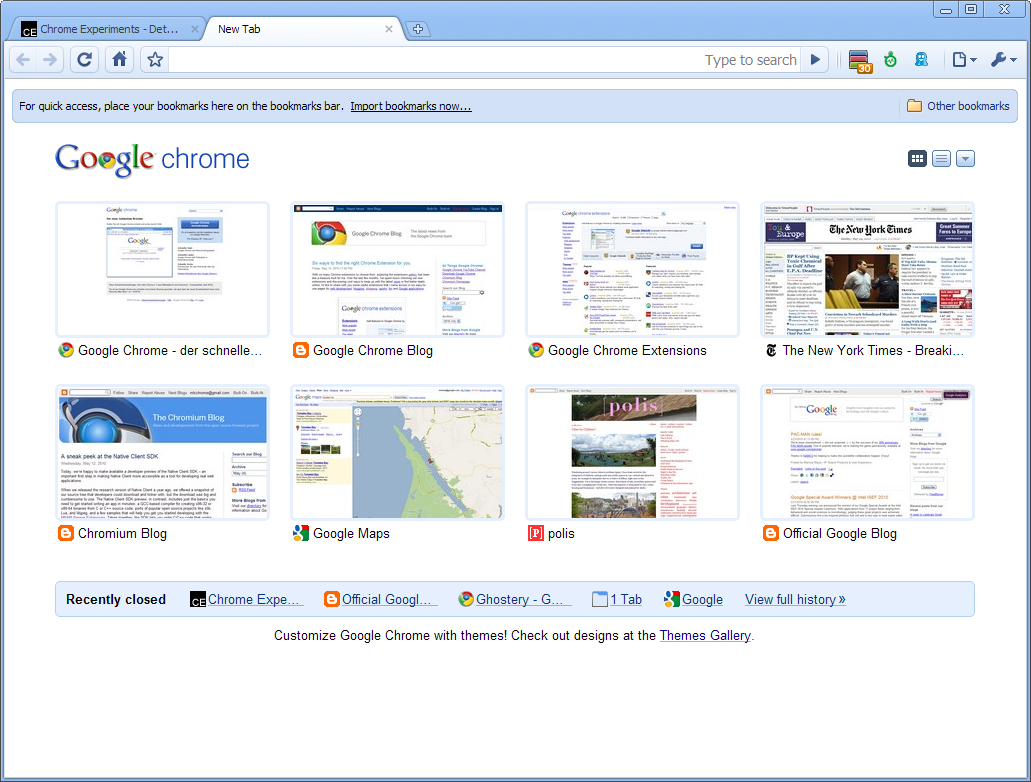
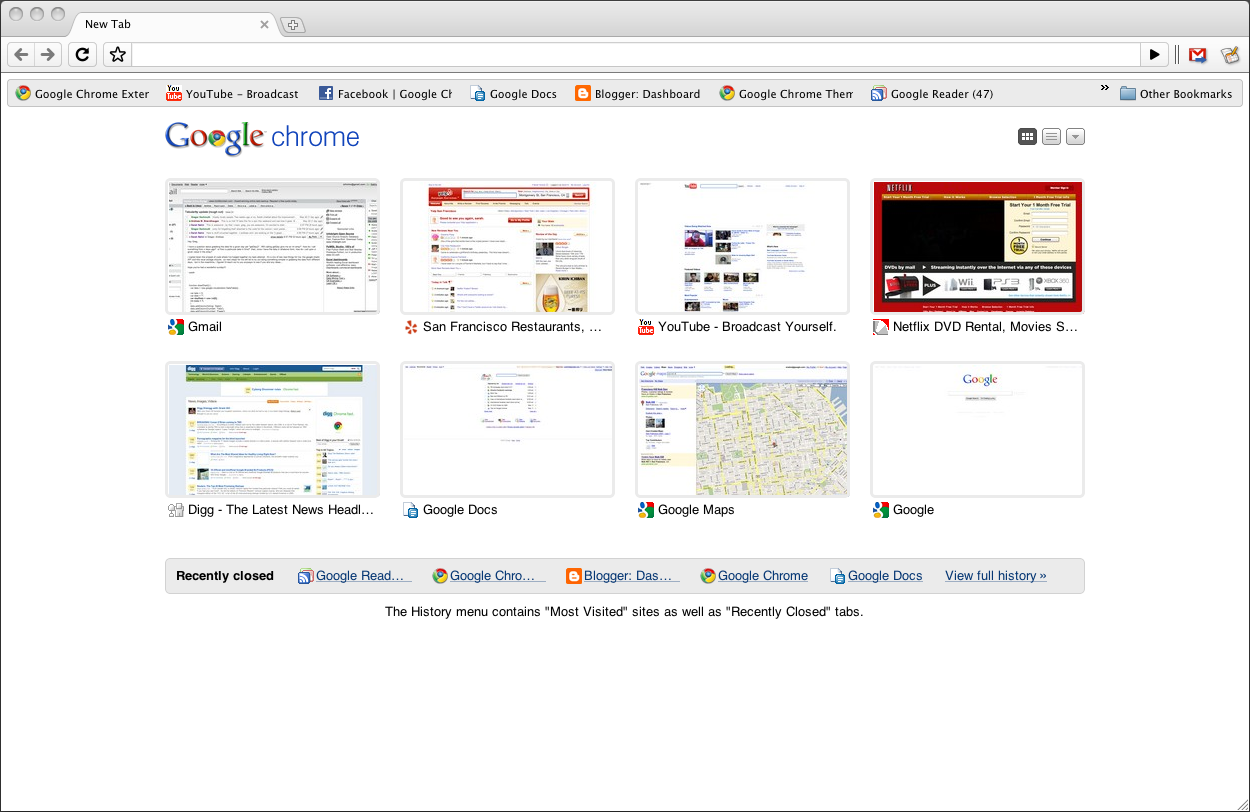
Google chrome Final :Evolving from beta to stable

After a bit of evolution and lots of work from the team, we’re thrilled to introduce a new stable version of Chrome for Windows, Mac and Linux. Since last December, we’ve been chipping away at bugs and building in new features to get the Mac and Linux versions caught up with the Windows version, and now we can finally announce that the Mac and Linux versions are ready for prime time.

Google Chrome for Windows

Google Chrome for Mac

Google Chrome for Linux

The performance bar for all three versions keeps getting higher: today’s new stable release for Windows, Mac and Linux is our fastest yet, incorporating one of our most significant speed improvements to date. We’ve improved by 213 percent and 305 percent in Javascript performance by the V8 and SunSpider benchmarks since our very first beta, back in Chrome’s Cretaceous period (September 2008). To mark these speed improvements, we’ve also released a series of three unconventional speed tests for the browser:

(If you’re interested in how we pitted Chrome against the forces of a potato gun, lightning, and the speed of sound, take a look behind-the-scenes in this video, or read the full technical details in the video’s description drop-down in YouTube).

You may also notice that today’s new stable release comes with a few new features, including the ability to synchronize browser preferences across computers, new HTML5 capabilities and a revamped bookmark manager. For more details, read on in the Google Chrome Blog.

If you haven’t tried Google Chrome since the stone age, check out this brand new stable release. If you’re already using Chrome, you’ll be automatically updated to this new version soon. To try it right away, download the latest version at google.com/chrome.

(First dev, then beta, now stable!)

May 25, 2010 Ritesh Sanap Google, Internet Software

Pac Man Permanent on Google

On 30th Anniversary of Pac Man google made an game on its page . the game received lot demand and every one enjoyed it. because of great sucess and reply from all the users . Google made Pac Man the Game Permanently available . So friends we can play Pac Man the Game all the time we want so cheers ! google and thank you .

Here’s the Preview of the google’s permanent Pac Man Game :

To Enjoy This Game : click here

May 24, 2010 Ritesh Sanap Google Cool things, Games

Random Post Widget for Blogger

Although “Related Posts Widget” is important for all types of blogs, but in blogs where almost all the posts are similar (like blogs with articles on recipes, money-making, computer tricks or automobiles etc.), visitors usually do not mind reading some quite-unrelated posts too. So along with Related Posts widget, a “Random Posts widget” on your blog will help you to increase the number of page impressions.

Adding a Random posts widget is very easy…

Click Below button to Add the Random post Widget :

Customization :
  1. Go to your blogger dashboard.
  2. Then Click on the Edit Link of Random post widget.
  3. Now Find this numofpost=6
  4. Then Change the number from 6 to the desired number of posts you want to show.
  5. Then Click on save button and you are done 
  6. Enjoy Random post widget.

Friends if you like it then please share it and bookmark using social networking help best2know.info to grow.

May 24, 2010 Ritesh Sanap Blogger Tutorials Blogger Hacks

Posts pagination

Page 1 Page 2 … Page 4 Next page

Currently Trending

  • How to download Specific parts of YouTube videos
    How to download Specific parts of YouTube videos
  • Windows Vista CD key
    Windows Vista CD key
  • How to retrieve my Demonoid username
    How to retrieve my Demonoid username
  • How to add Logo to Thesis theme
    How to add Logo to Thesis theme
  • How to Delete Feedbacks from JetPack Contact Form
    How to Delete Feedbacks from JetPack Contact Form
  • List Of All 255 Keyboard All Alt Key Codes
    List Of All 255 Keyboard All Alt Key Codes
  • h4x0r ( Hacker ) - Blogger Template
    h4x0r ( Hacker ) - Blogger Template

Get Latest post in your Inbox

Random Posts

How to redirect your homepage to the first post

March 22, 2011 By Ritesh Sanap 3 Comments

Shortcut keys to Complete URL

July 27, 2008 By Ritesh Sanap Leave a Comment

How to download Subtitles from YouTube Videos

November 4, 2014 By Ritesh Sanap 1 Comment

Set as Homepage Link for bloggers

June 10, 2009 By Ritesh Sanap 1 Comment

How to retrieve my Demonoid username

December 18, 2014 By Ritesh Sanap Leave a Comment

WordPress

HTTP2 Server Push for W3 Total Cache Minify plugin

August 17, 2016 By Ritesh Sanap 5 Comments

How to Disable Emojis in WordPress

January 6, 2016 By Ritesh Sanap Leave a Comment

JetPack Related posts and Sharing not working with NGINX

November 10, 2015 By Ritesh Sanap Leave a Comment

Simply Pure – WordPress Theme

November 2, 2014 By Ritesh Sanap 2 Comments

Advanced What should we Write about next? – WordPress Plugin

July 28, 2014 By Ritesh Sanap Leave a Comment

How to Disable Self Pingback or TrackBack

January 16, 2014 By Ritesh Sanap Leave a Comment

BlueStrap – WordPress Theme

January 1, 2014 By Ritesh Sanap 15 Comments

How to Create Multiple Excerpts in WordPress

December 24, 2013 By Ritesh Sanap Leave a Comment

How to Disable Auto Update in WordPress

November 21, 2013 By Ritesh Sanap Leave a Comment

How to Delete Feedbacks from JetPack Contact Form

November 19, 2013 By Ritesh Sanap 9 Comments

Recent Posts

  • HTTP2 Server Push for W3 Total Cache Minify plugin
  • How to show hidden files and folders in Mac OS X
  • How to Disable Emojis in WordPress
  • Canva – Online Photo Editor
  • JetPack Related posts and Sharing not working with NGINX

Archives

Recommends

  • DigitalOcean – Cloud Hosting
  • Dropbox – Cloud Storage
  • Elegant Themes – WordPress Themes
  • LastPass – Password Manager
  • Like us on Facebook
  • Follow on Twitter
  • +1 on Google
  • Subscribe via Email
  • RSS Feed

© 2026 Best 2 Know · All Rights Reserved · We ♥ DigitalOcean